Paying rent
How online rent payments work for tenants — and what you'll see if your property manager hasn't turned them on yet.
Last updated
Online payments are off for most organizations during the beta
Whether you can pay rent through Rentova depends on a setting your property manager's organization controls, not on anything you do. If it's off, the app tells you so directly instead of showing a broken payment form — see below.
If online payments aren't turned on
Opening Payments (or the “Pay Now” shortcut on your dashboard) shows a plain notice instead of a payment form:
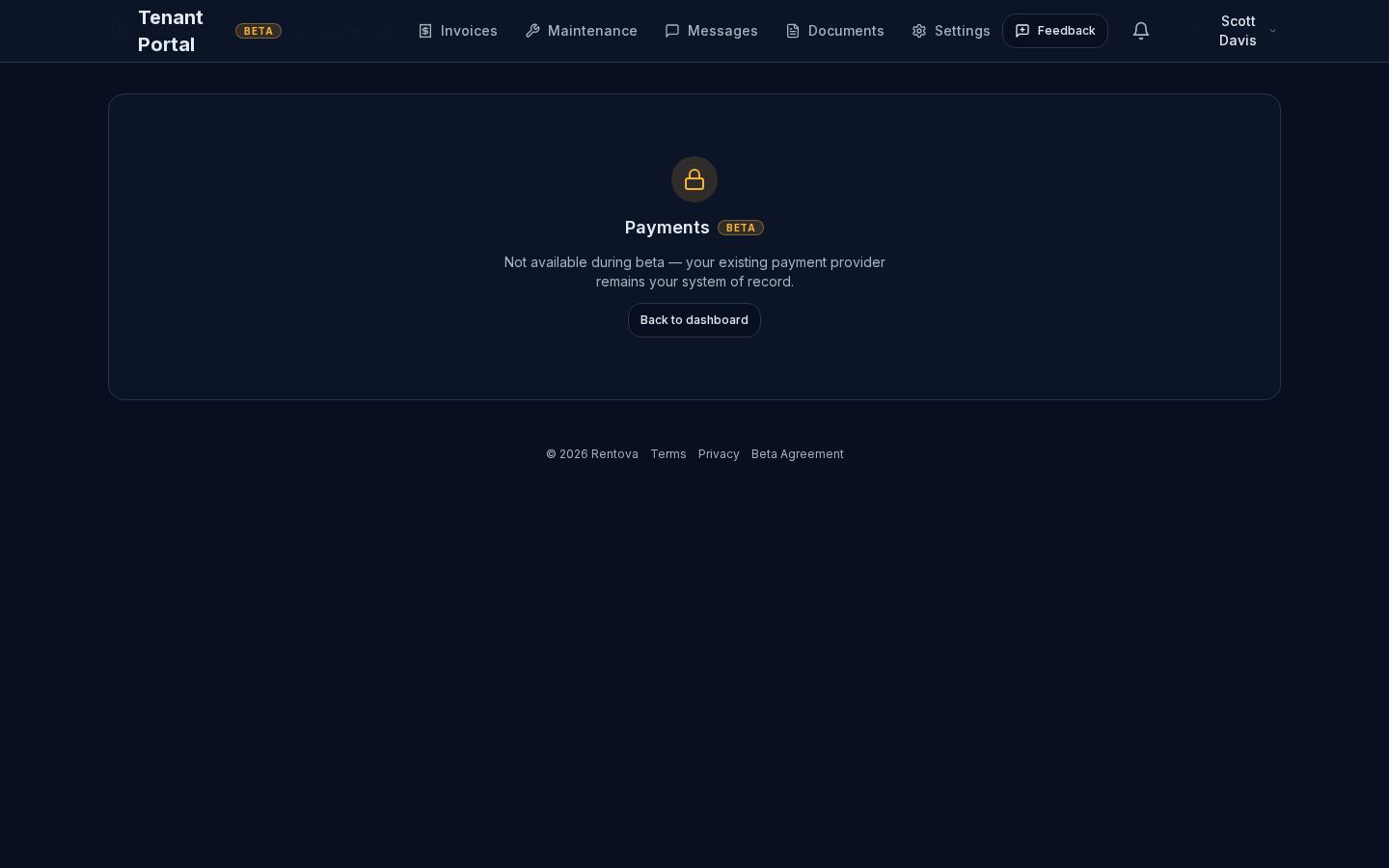
Nothing about how you actually pay rent changes because of this — you keep paying however your property manager already has you pay (check, bank transfer, or whatever they use today). If you're not sure whether this applies to you, ask your property manager.
If online payments are turned on
Once your organization has this on, the Payments page lets you:
- Pay a pending invoice with a saved card or bank account (ACH), or add a new card at checkout.
- Save and remove payment methods for next time.
- See your full payment history with the status of each payment, and download a receipt for any completed one.