Owner portal guide
A tour of what you can see once your property manager gives you portal access.
Last updated
Your dashboard
Your dashboard summarizes your portfolio: property and unit counts, occupancy, this month's net operating income, and year-to-date distributions, plus a per-property breakdown.
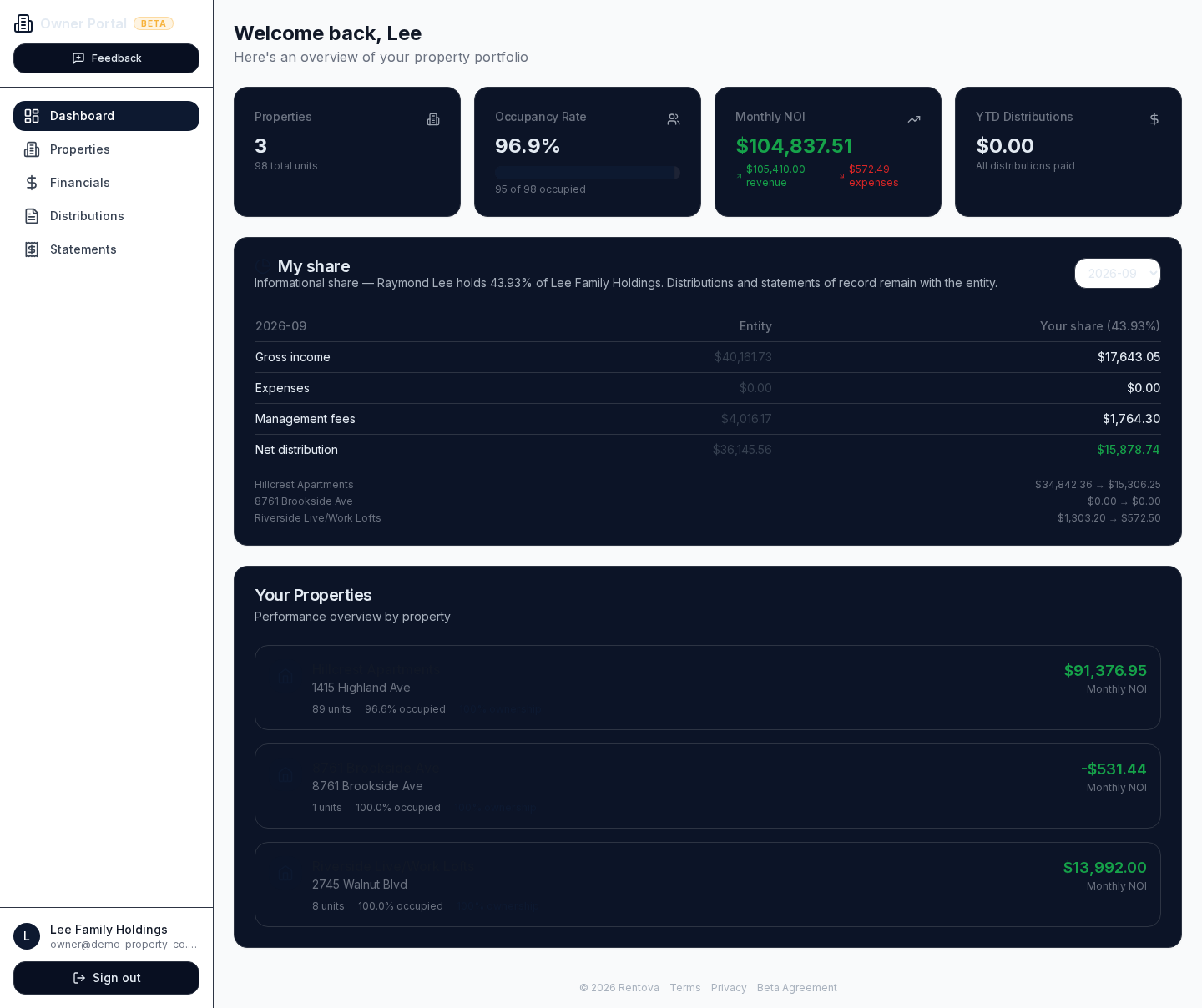
If your ownership is held through an entity (an LLC with more than one person on it) and you're set up as a portal-visible member, you'll also see a My share panel like the one above: an informational view of your percentage of the entity's figures. Distributions, statements and tax filings stay with the entity as a whole — your share here is for your own reference, not a separate record.
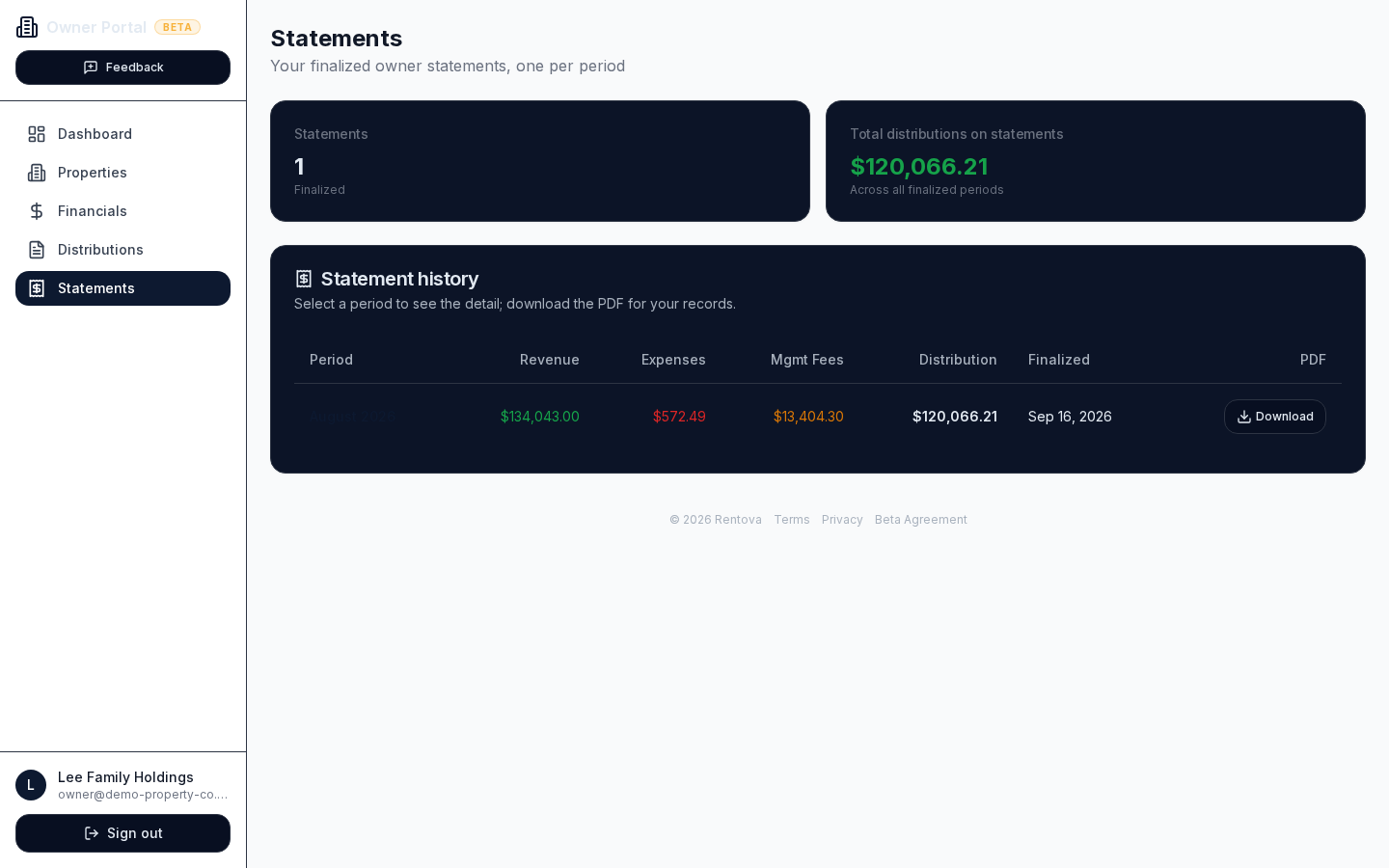
Statements
Statements appear here once your property manager finalizes them for a period — you won't see drafts. Each row shows revenue, expenses, management fees and your distribution for that period, with a PDF you can download for your records.
Distributions
This page is a history of the distributions recorded for you, by period and property, with gross revenue, expenses, the management fee and your share for each one.
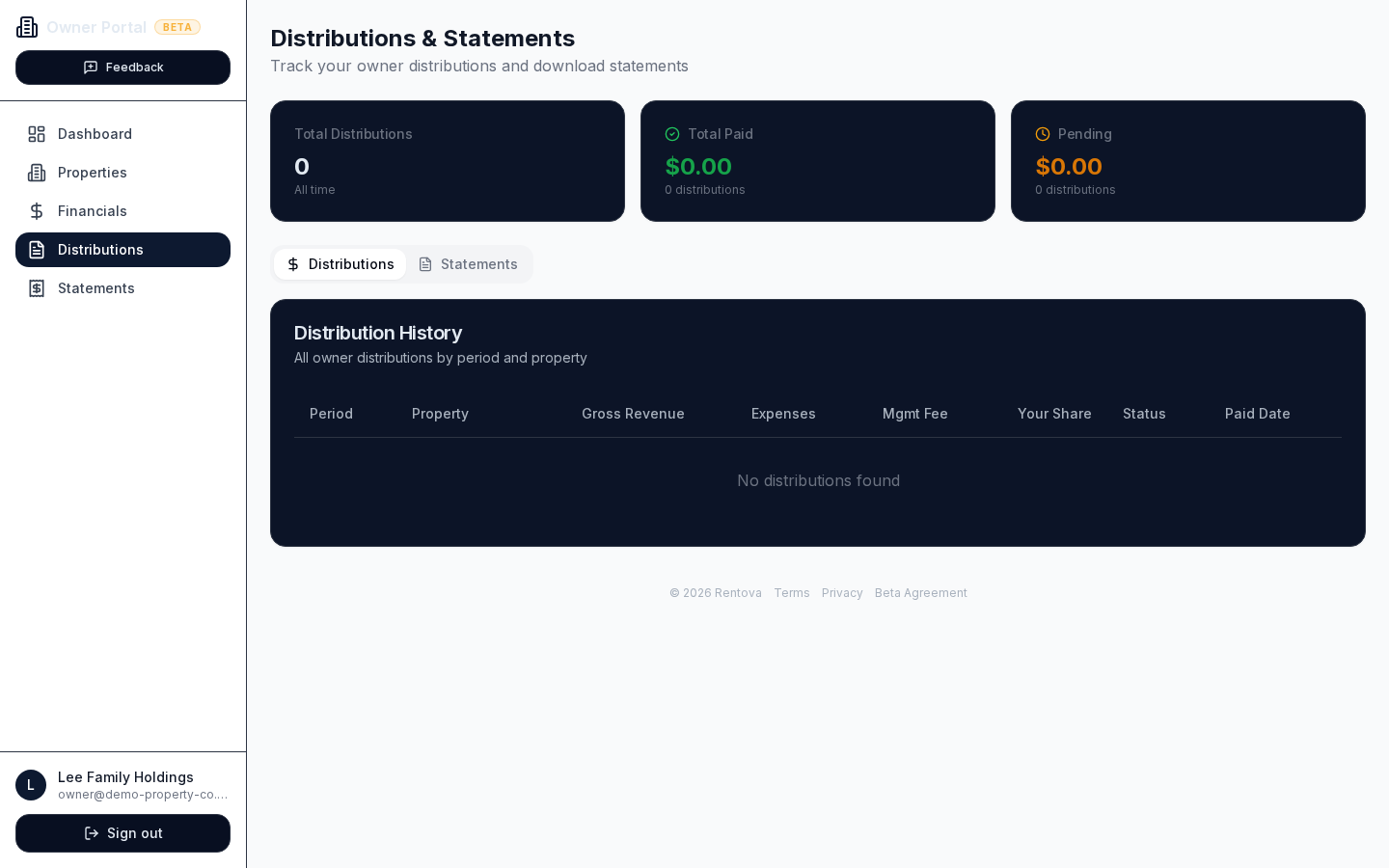
Automated payout is off during the beta
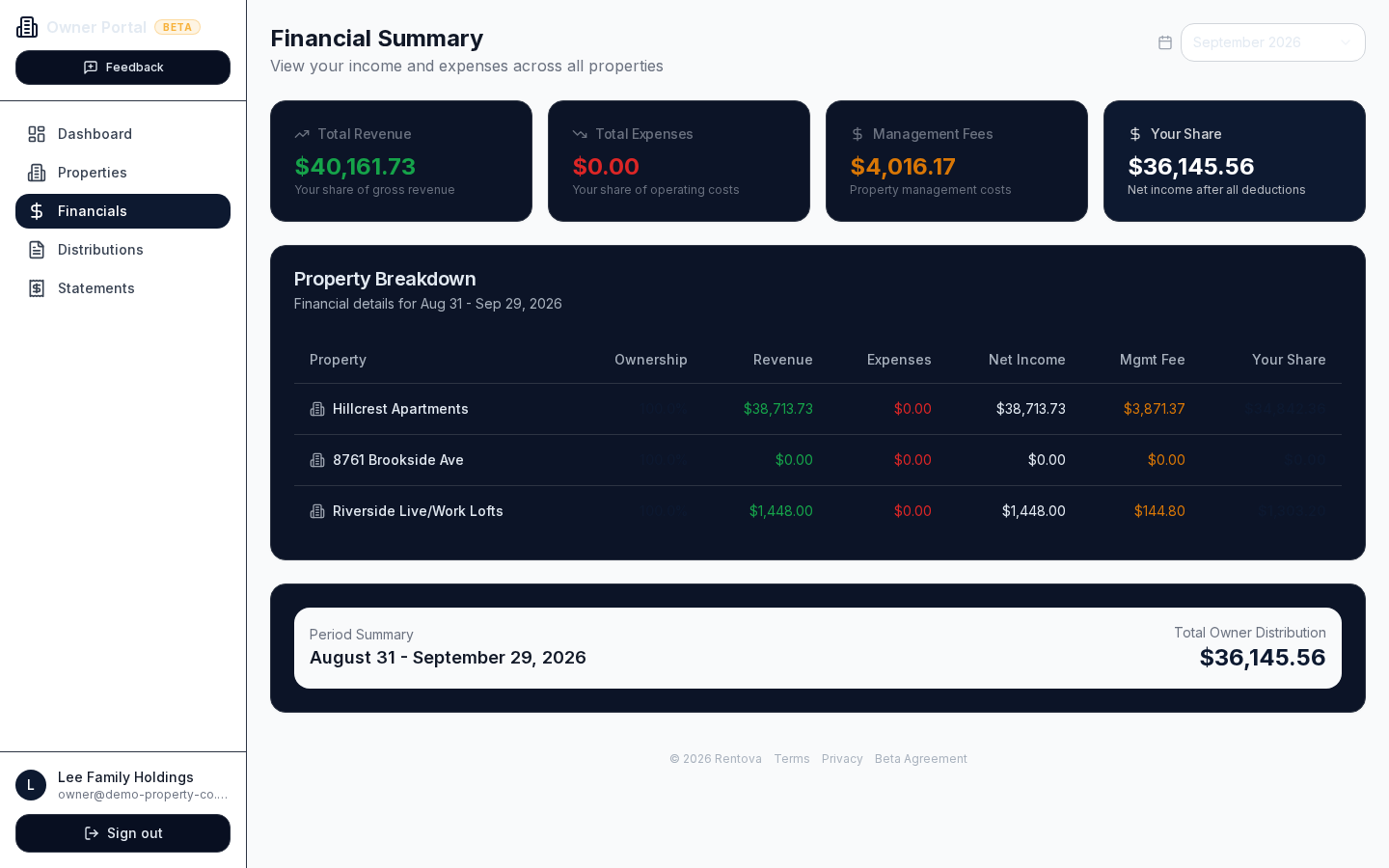
Financials
Pick a period (monthly, quarterly or yearly) to see your share of revenue, expenses and management fees, both across your whole portfolio and broken down property by property.