Maintenance requests
Submitting a repair request and tracking it from your tenant portal.
Last updated
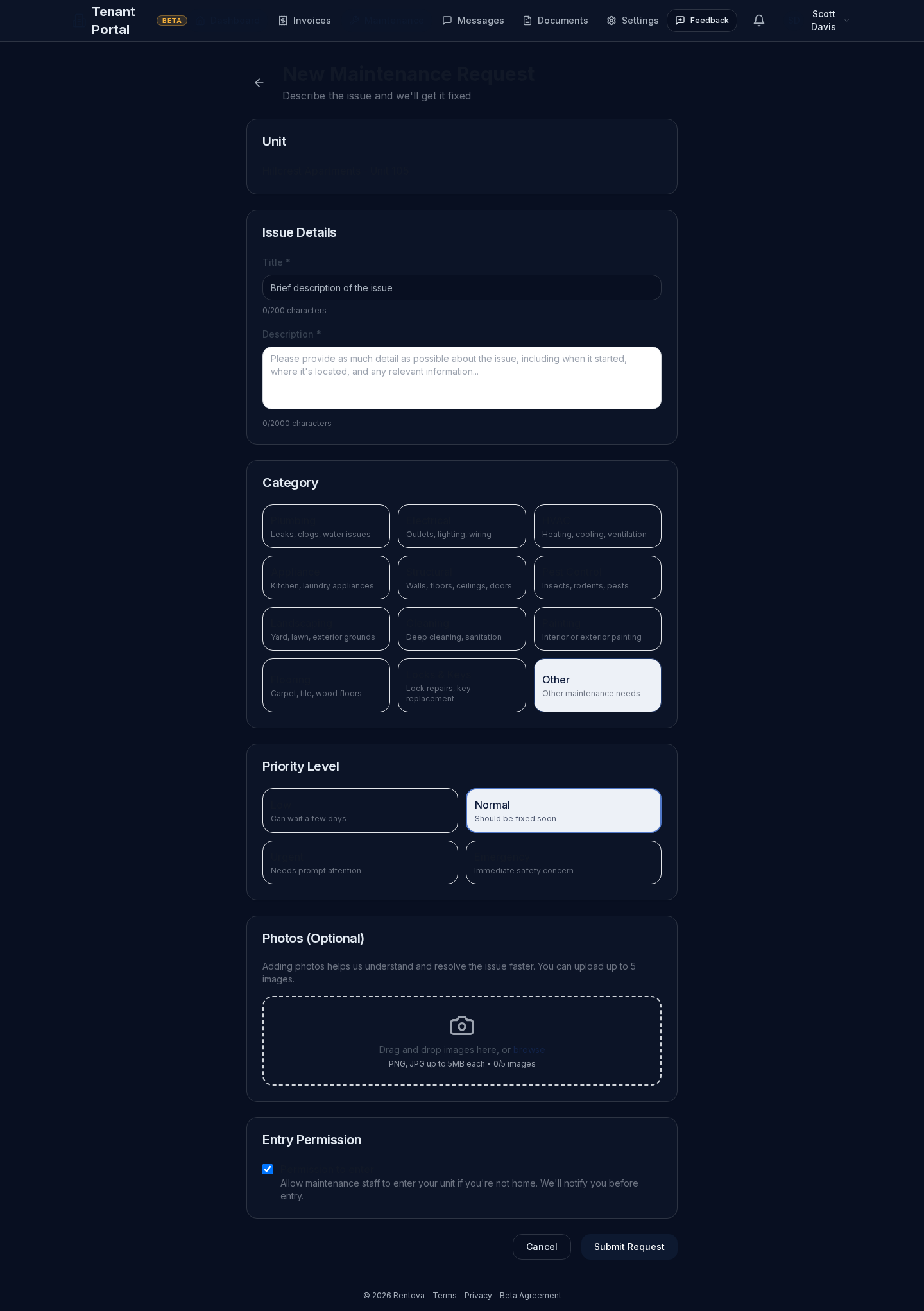
Submitting a request
A new request asks for:
- A short title and a description of the issue.
- A category (plumbing, electrical, HVAC, appliance, structural, pest control, and more).
- A priority — low, normal, urgent, or emergency. Emergency is flagged for anything that's an immediate safety concern.
- Up to 5 photos.
- Whether maintenance staff have your permission to enter if you're not home (they'll still notify you before entry either way).
Tracking a request
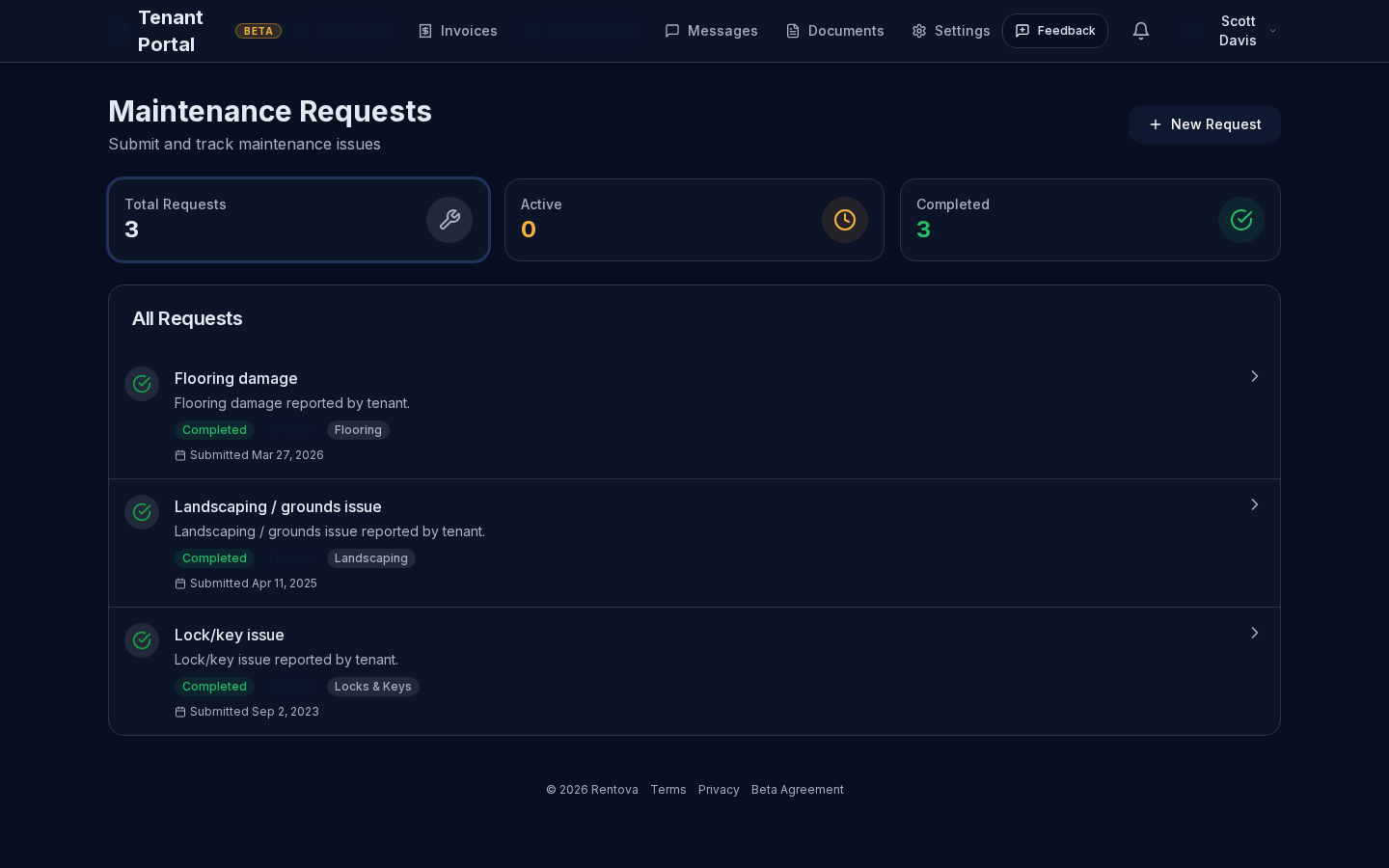
Your maintenance list shows every request with its status, priority and category, plus totals for active and completed requests.
Open a request to see its full history — status changes from created through in progress, scheduled and completed — along with who it's assigned to, your photos, and a message thread where you can add notes directly on that request. You'll also get a notification whenever the status changes.